
This advent calendar challenge looked interesting, so I thought I'd give it a try. However, instead of doing each challenge daily, like how you are supposed to, I've decided to do the challenges weekly. As in, I will do one week's worth of challenges in one shot at the end of the week. Is that cheating? Probably, yeah, but I don't have the time to attempt the challenges during weekdays.
Also in the interest of time, I probably won't be doing the additional challenges on the list, unless there is one that I really like.
Quick Nav
🎁 Day 1 - Time for a repaint
Challenge
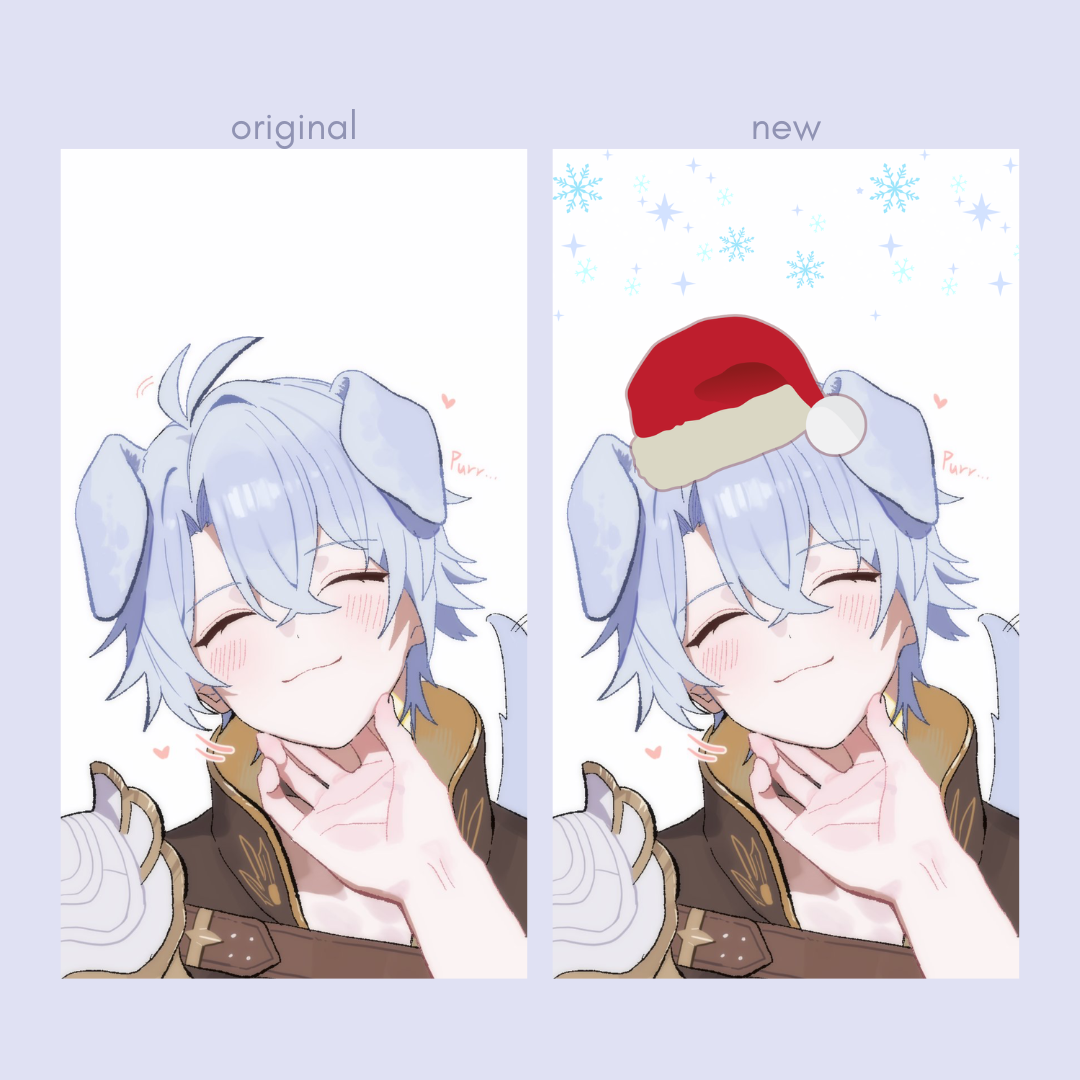
Let's start easy: Time for a new lockscreen and wallpaper for all of your devices. Maybe even something seasonal? Bonus challenge for tryhards & go-getters: (For PC users.) Ever tried to use custom folder icons for your folders? You can find some on deviantart for example. Personally I love these. It's a really neat way of sprucing up your files! Installation is easy: just right-click the folder and choose a new image for the icon.First up is my phone lock screen wallpaper. The source of the original art is HazoZOYAKU on Twitter, featuring Phainon from Honkai Star Rail, and I still really want to keep it as my lock screen, so I did a very silly festive edit of it on Canva.
Next, we have my home screen wallpaper. The old one is an edit I made from this art of a chibi Dan Heng by mewki14 on Twitter. The new one is taken from this art by kaokitty1223 on Twitter, featuring kitty Dr Ratio and Aventurine.
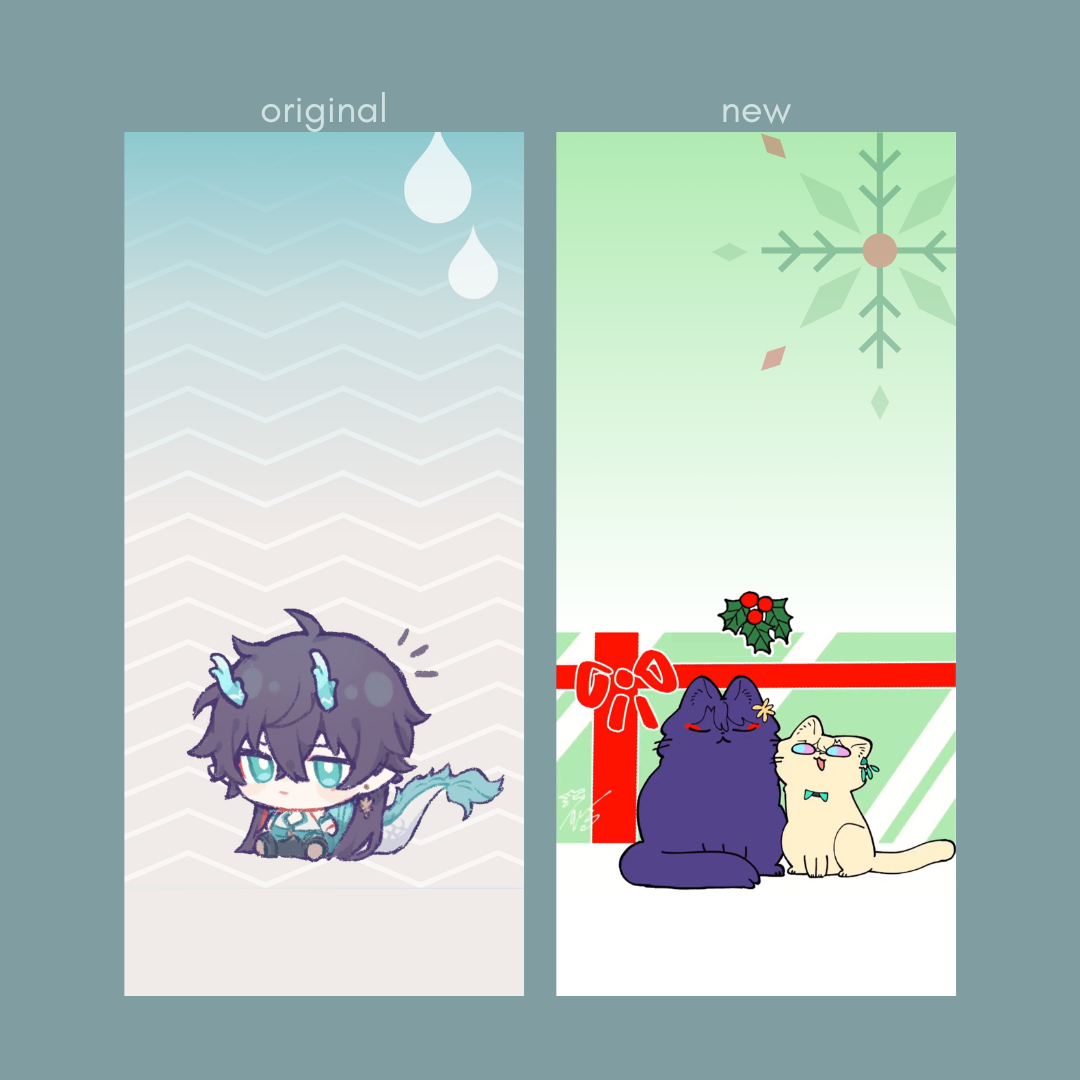
Art Source: mewki14 and kaokitty1223
I'm not sure if I'm fully satisfied with the new one, so I might change it up again after Christmas.
Finally, there is my desktop wallpaper that I've been using since Chinese New Year. This gorgeous art of Dan Heng is done by 原汁云喵-mao on Twitter.
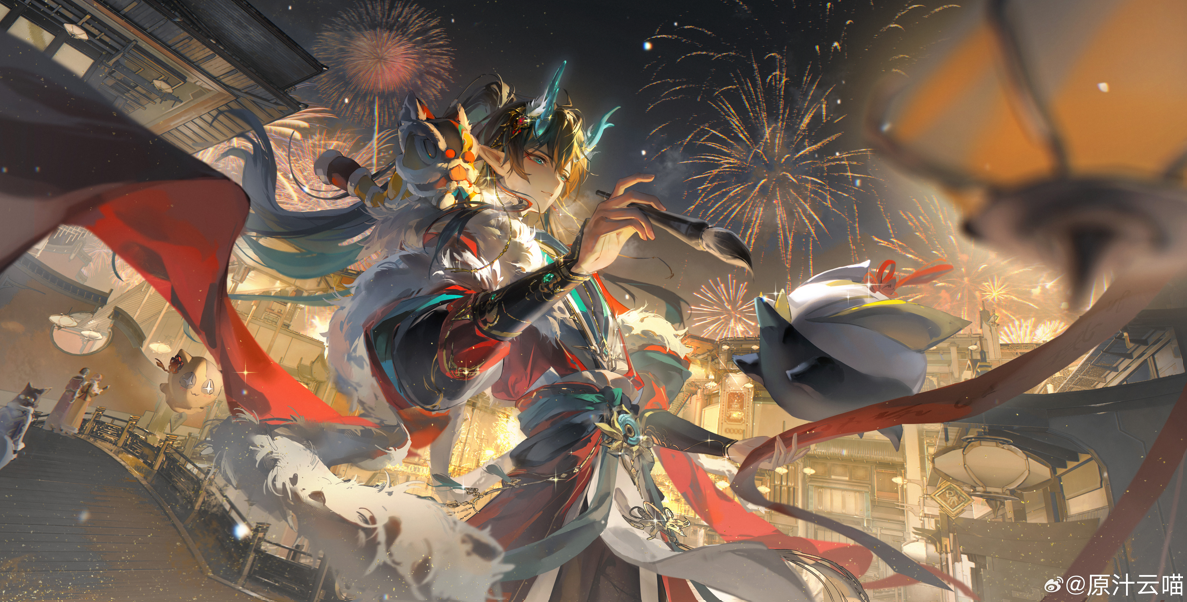
For the new one, I picked this beautiful piece featuring Phainon by 当雨作金泽 on Weibo:
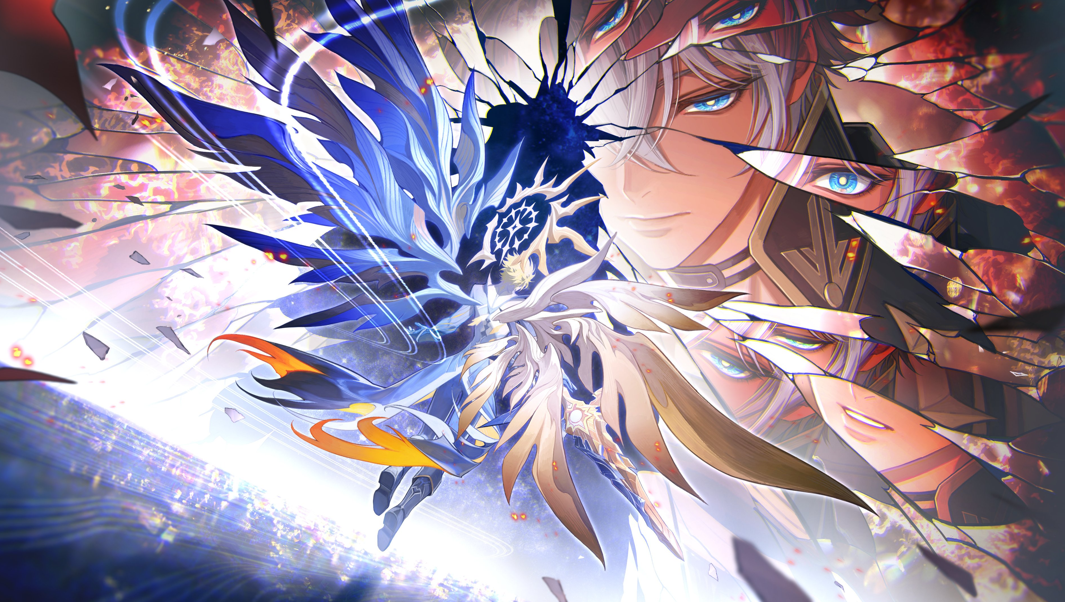
(Yes, I exclusively choose to use wallpapers of whoever my favourite characters are at that moment.)
Technically I have an iPad too, but since I rarely look at its home screen and lock screen, I'm not going to change it this time.
🎁 Day 2 - YouTube Declutter
Challenge
Continuing with simple challenges: Today, unsubscribe from all the YouTube channels you're not interested anymore! Your subscription box will thank you Bonus challenge for tryhards & go-getters: Sort and declutter your YouTube playlists. And if you have videos of your own, private or delete them if you don't need them anymore.To be honest, I pretty much never check my subscription box anymore, so this probably didn't make much of a difference. And thankfully I don't subscribe to too many channels. I cleaned out some channels that I didn't care for anymore, and also some channels that I don't even remember subscribing to. I did keep my subscriptions to some inactive channels for nostalgia's sake, and also just to keep track of them.
Instead of discussing the channels that I've unsubscribed from, let's make this section a (non-exhaustive) list of Youtubers I'm still subscribed to and still enjoy watching:
▶️Dan and Phil --- If you've been on Youtube, you've probably heard of them...? 😂 I have been casually watching their videos for a really long time now, and while I'm not super involved in the fandom, I was shook when they did their reveal video.
▶️Jenny Nicholson --- I don't really know if she'll post on Youtube anymore but I'll forever be obsessed with her video on the Vampire Diaries because I loved that series when I was younger, and it was hilarious to watch someone tear it to pieces (not even in a mean way). She also has a way of keeping you captivated while talking about some of the most random and obscure topics.
▶️Jazza --- A pretty popular art Youtuber I subscribed to in the past for his character design videos, but recently I was super impressed that he managed to write a whole book in such a short period of time.
▶️ActuallyRea --- Love their sketchbook videos and their art style in general!
▶️DoodleDate --- Very cosy art videos, I like to watch them in the background sometimes when drawing.
▶️LetsGameItOut --- He does Let's Plays in which he destroys the game.
▶️Liam Thompson --- I found him from a video in which he taught his dog how to play Minecraft, but since then his videos have improved a lot in terms of storytelling and production quality, although he doesn't post that much anymore.
▶️Max0r --- I subscribed to him for his iconic "bad" video game summaries but he also does some crazy edits. All my knowledge of Metal Gear Rising comes from his videos.
▶️CodeBullet --- He makes funny (and occasionally educational) coding projects.
▶️Danidev --- I don't know if he still posts on Youtube anymore but I love his game dev videos.
🎁 Day 3 - Browser Declutter
Challenge
Time to clean up your browser bookmarks and open tabs! Also uninstall any unused browser extensions. Don't forget your phone's browser! Bonus challenge for tryhards & go-getters: Install Tab for a Cause to donate to a charity whenever you open a new tab.I don't use bookmarks nowadays, which means most of the bookmarks I have are probably from more than 10 years ago. In fact, I don't even have the bookmarks bar displayed usually.
So we're going to go nuclear on this one and delete all of them:
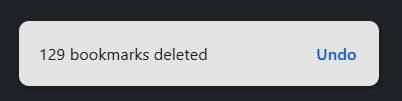
It's alright, I'm a coward so I've backed everything up before doing this
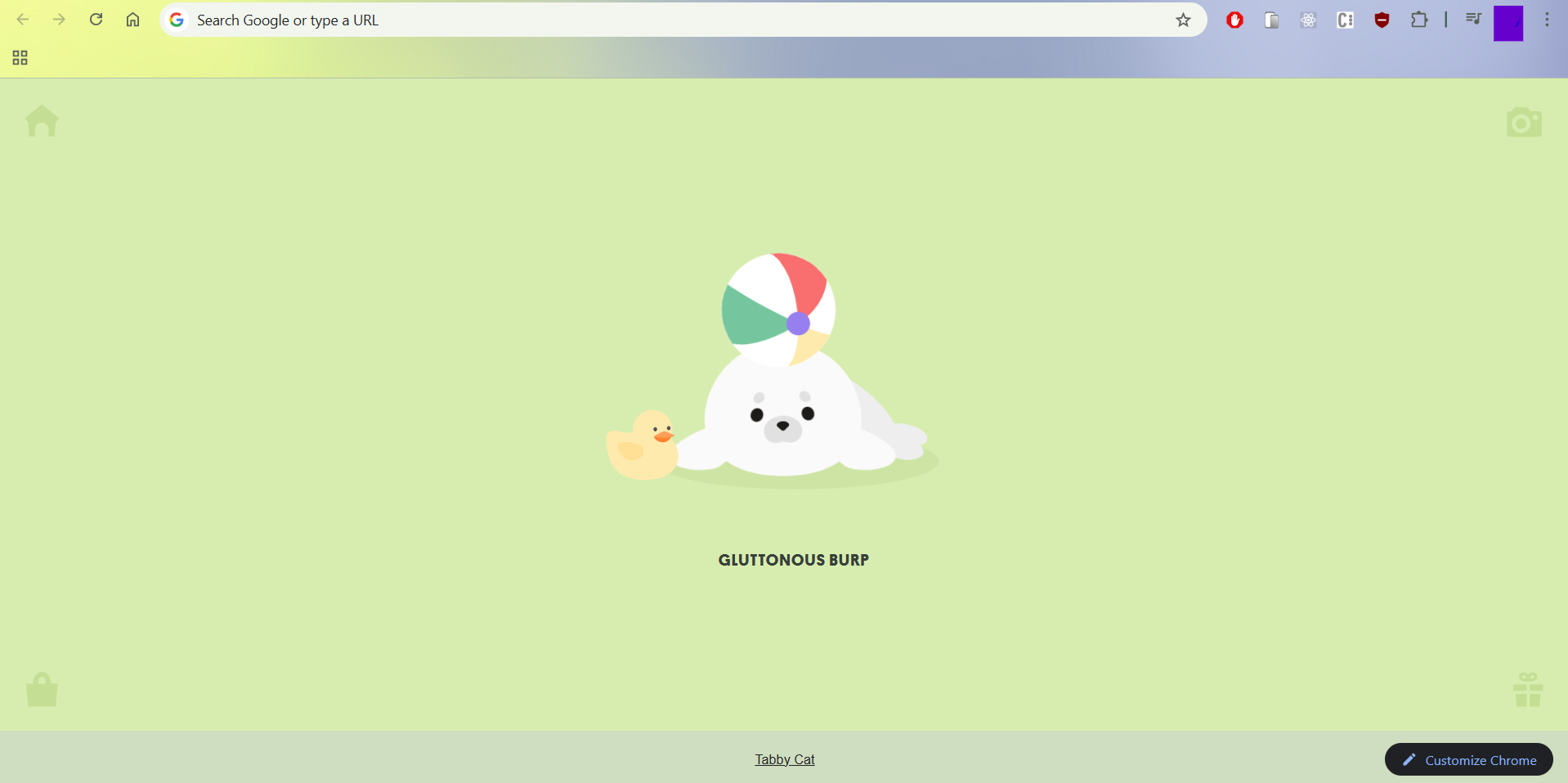
And now we have a completely clean bookmarks bar
🎁 Day 4 - Inbox Organization
Challenge
We're not done with cleaning up! Your email inbox is looking messy, isn't it? Time to clean that up! You should probably create some folders while you're at it. Bonus challenge for tryhards & go-getters: Create some rules for incoming emails to help with organisation, like moving all mails from a particular sender into a particular folder.I have too many email inboxes, so I'll just do this for my Serious Business inbox where I receive Very Important emails. It's unfortunately also cluttered up with random notifications.
I already have rules in place to automatically filter emails into different folders, so I went through and cleared out those folders, deleting or marking everything as read. There were also some emails that still got through the filter to my inbox, so I sorted those out and deleted whatever was not needed.
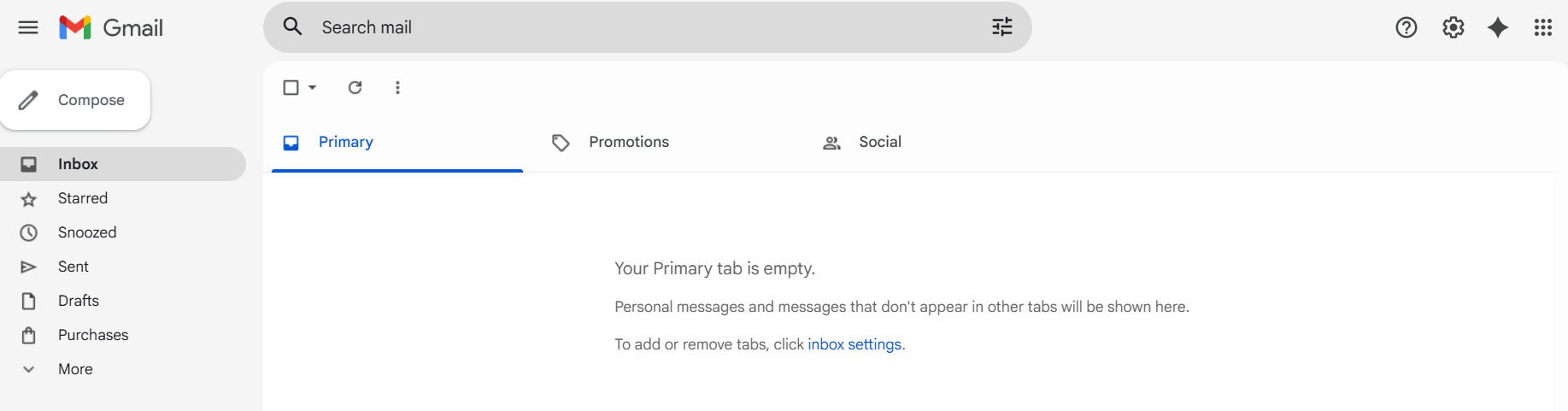
Clean inbox!
🎁 Day 5 - Uninstalling
Challenge
Today we're uninstalling EVERYTHING we don't need anymore. This means apps on your phone, games, and software on your PC. Bonus challenge for tryhards & go-getters: Once you're done uninstalling you can update all your apps/programs/games to make sure you're up-to-date with everything.I already periodically uninstall large apps on my laptop that I don't need anymore to make space for new games that I want to try out. (I recently downloaded Where Winds Meet and that was 100GB!)
There were still some random apps that I don't even remember installing (like Disney+ ???) so I got rid of those.
Similarly, I keep my phone apps clean as I don't like downloading new apps in the first place, so there wasn't anything I needed to remove. I did update some games I want to pick up again, but otherwise, I won't update any app that I don't absolutely have to (because some apps — ahem, Capcut — actively make themselves worse every update).
🎁 Day 6 - Stay Free
Challenge
Install the StayFree app to limit your time spent using certain apps. We're taking back our free time and ending the doomscrolling. Bonus challenge for tryhards & go-getters: Install Distract Me Not or a similar browser extension to block certain websites that you don't want to spend time on or want to stop using altogether.I think I'll be skipping this day as I don't want to download any more unnecessary apps onto my phone. The app I spend the most time on anyway is Google Chrome, which I cannot feasibly block myself from since I might actually need it for something important.
I did turn on the built-in iPhone screen time tracking though, in order to monitor if I've been spending too much time on any particular app.
🎁 Day 7 - Anti-Stalker
Challenge
Google your own full name and see what comes up. Then try to remove anything you don't want to be online (including information on your Facebook profile) if you can. Do the same with any usernames you tend to use a lot. Bonus challenge for tryhards & go-getters: Delete any accounts you come across that you don't need anymore.In the interest of not doxxing myself, I'm not going to share what I found, but let's just say my real name is common enough that the only result actually linked to me in the first five pages is my LinkedIn account? So I think I'm in the clear. My Facebook profile is almost completely wiped and private as well.
Just for fun, I also looked up my online handle (kanekos99 — which is in no way similar to my real name FYI) and, well, at least these search results are actually my accounts:
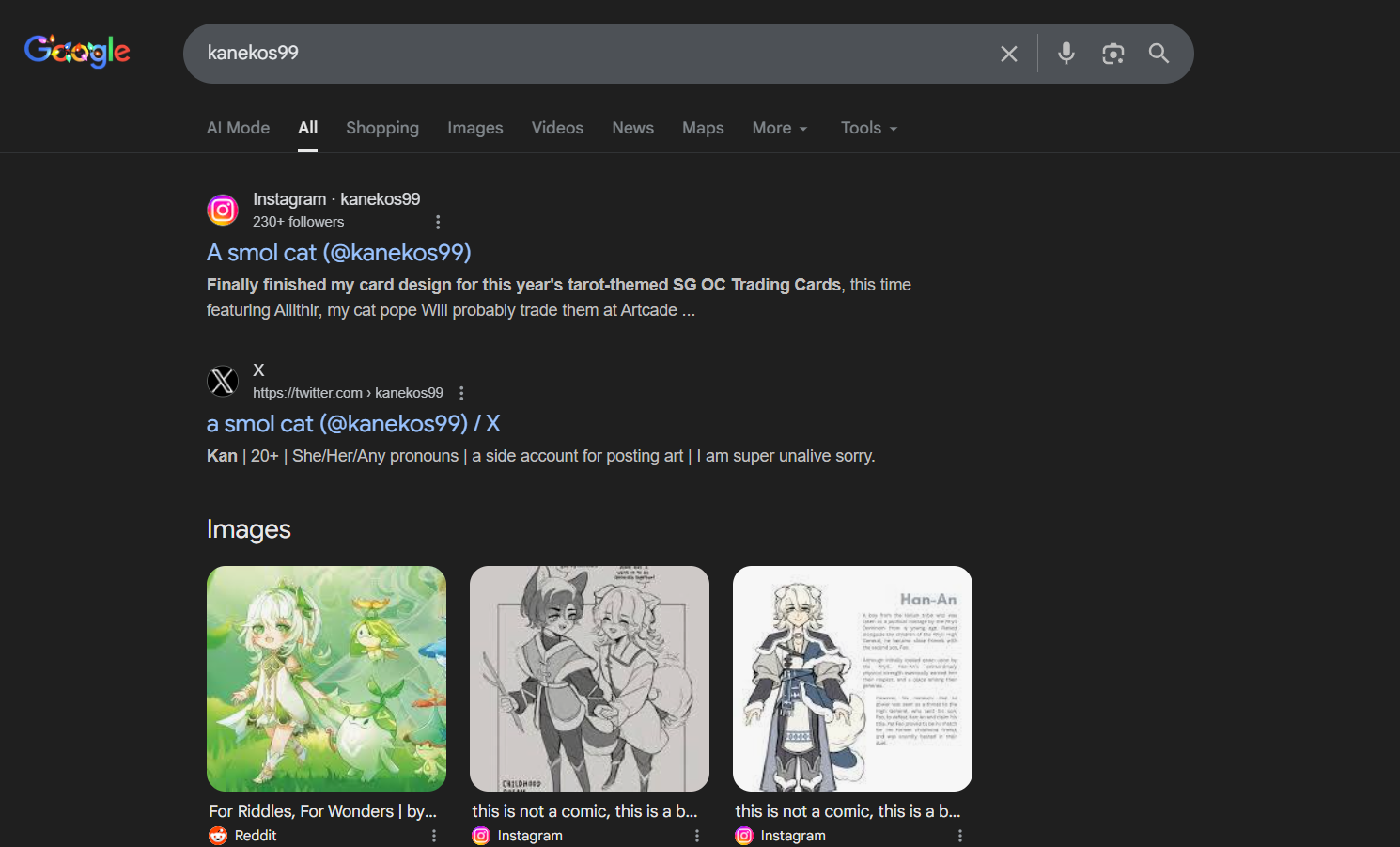
Funny to see that the first image result is someone posting my art onto Reddit without my knowledge 😂
Okay, that was fun! I'm looking forward to what will be up next week.